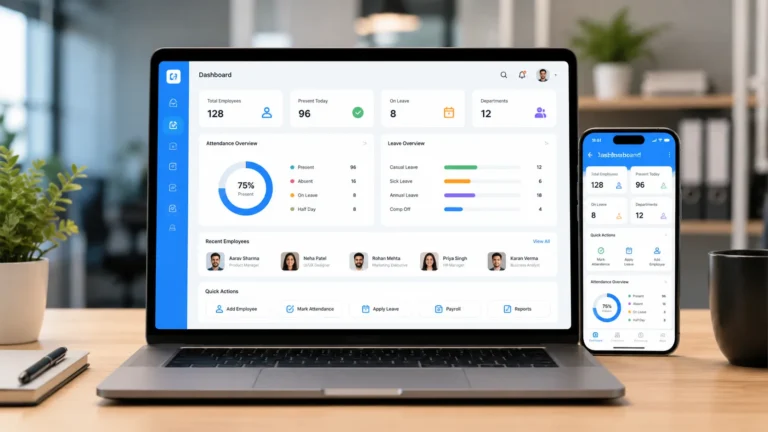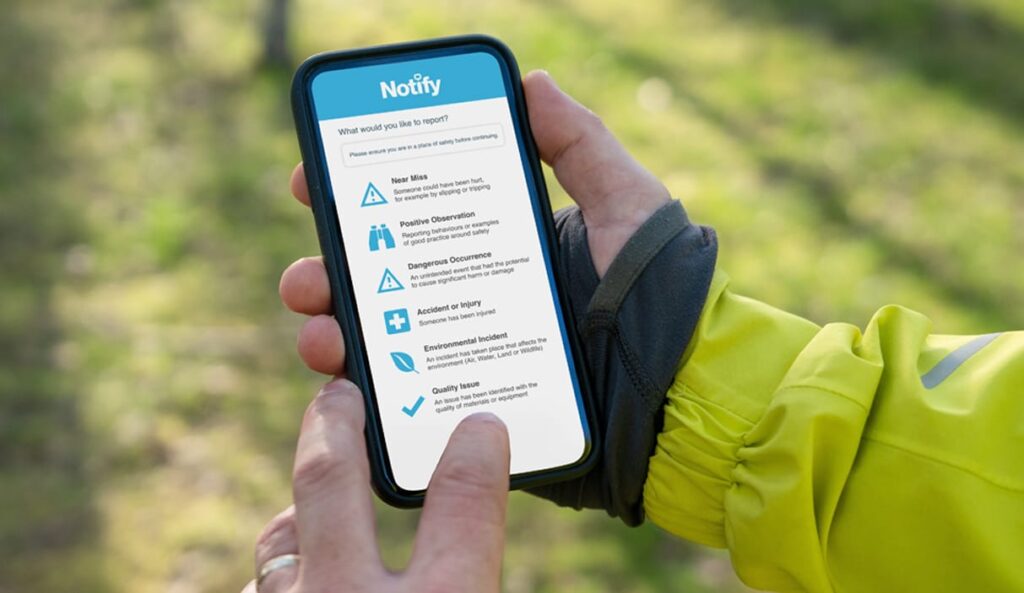
No matter the precautions and measures you adopt in your organization, there will always be an incident. A heated argument between two employees becomes extreme. A slip on a wet floor. A complaint about a manager from an officer or a compliant from a supervisor. When such incident happens how the HR in charge captures, tracks, and resolves these moments says a lot about the culture of the whole company.
The sad reality is that most small and growing business document the process in scattered emails, spreadsheets, and sticky notes. The process of logging an incident does not end when the incident is recorded. When the documentation process is not done properly, details get lost, follow-ups slip, and when disputes arise in the future tracking the documents becomes an issue.
That is where workplace incident logging software has become a core part of HR in 20226. In this guide, we will cover what it is, why HR teams are moving to it, which features really matter, and which tools are worth a look. We will keep it clear and practical.
There numerous incident logging software available on the market but in this article have in details explained the top platforms that will not only give you value for money butwhy you need them in your organization.
What Is Workplace Incident Logging Software?
Workplace incident logging software is a platform or tool that helps organizations record, manage, and resolve events that affect employees or the workplace. For HR, that usually means issues such as:
- Harassment, discrimination, or bullying complaints
- Workplace conflicts and policy violations
- Safety incidents, injuries, and near misses
- Misconduct, ethics concerns, and whistleblower reports
- Customer or third-party behavior toward staff
Instead of recording them in note books and spreadsheets, you get one central place where every report is logged, assigned, investigated, and closed, with a clear record of what happened along the way.
The better platforms also help record timeline and pattern. If three employees from the same department report similar issues over six months, you want to see that early, not discover it in an exit interview.
Features to Consider when buying Workplace Incident Logging Software
Not every platform is built the same way. Some focus on safety, others on ethics and investigations, and others on employee relations. So, before you commit your resources to buy any workplace incident logging software check the following:
Easy to Use
Employees should be able to submit a report in a few minutes, from a phone or computer, without training. Look for multiple channels such as web forms, mobile apps, hotlines, or chat-based options.
Anonymous and confidential options
Employees should be able to report sensitive matters that happens without revealing their identity. The best tools let reporters stay anonymous while still allowing two-way communication, so investigators can ask follow-up questions.
Customizable forms and workflows
Different incidents need different information and different way of reporting them. Look for platforms that allows you to configure forms, categories, severity levels, and routing rules that match how your HR team actually works.
Case management and investigation tools
The platforms must allow you want to attach evidence, record interviews, keep notes, assign tasks, and track deadlines. Templates for investigation steps can save time and improve consistency.
Strong security and access controls
Choose a platform with encryption, audit logs, and detailed permissions. Ask where data is stored and how long it is kept, especially if you operate in several countries.
Reporting and analytics
The software must have a good dashboard that help you answer questions such as: Where are incidents happening? How long do cases take to close? Are certain issues rising? Make sure you can export reports for leadership and auditors.
Compliance and regulatory support
Make sure the platform you are adopting has compliance and regulatory support depending on your industry and location. You may need to record certain safety incidents or meet reporting deadlines. Check whether the tool supports the forms and timelines you are required to follow.
Integrations
Check if the software can be connected to your HRIS, messaging tools, or ticketing systems. This can reduce double entry and keep records consistent.
Support and pricing
A good software offers post and pre installation support. The must come in different form and must be available 24/7. After checking the support system, the platform must be affordable.
Top Workplace Incident Logging Software
Here is the detail analysis of the best incident logging platforms available for HR and small and medium business:
1. HRDocket

HRDocket combines AI-powered HR document generation with employee records management and workplace automation for small-to-midsize businesses. Its Incident Logging feature provides an interactive, step-by-step process of recording workplace incidents, employee relations grievances, safety events, and property damage. By linking incident logs directly to employee central profiles and asset registers, HR managers can track case histories alongside company equipment assignments and policy acknowledgments.
Pros
- Purpose design and built for HR managers needing structured, audit-ready case documentation.
- Combines incident logging with handbook building, leave approvals, and equipment tracking.
- It has interactive interface and easy to use
- Eliminates messy email chains and paper incident report forms.
Cons
- Build for administrative HR workflow and workplace compliance rather than complex industrial environmental health and safety (EHS) engineering.
2. Knowella
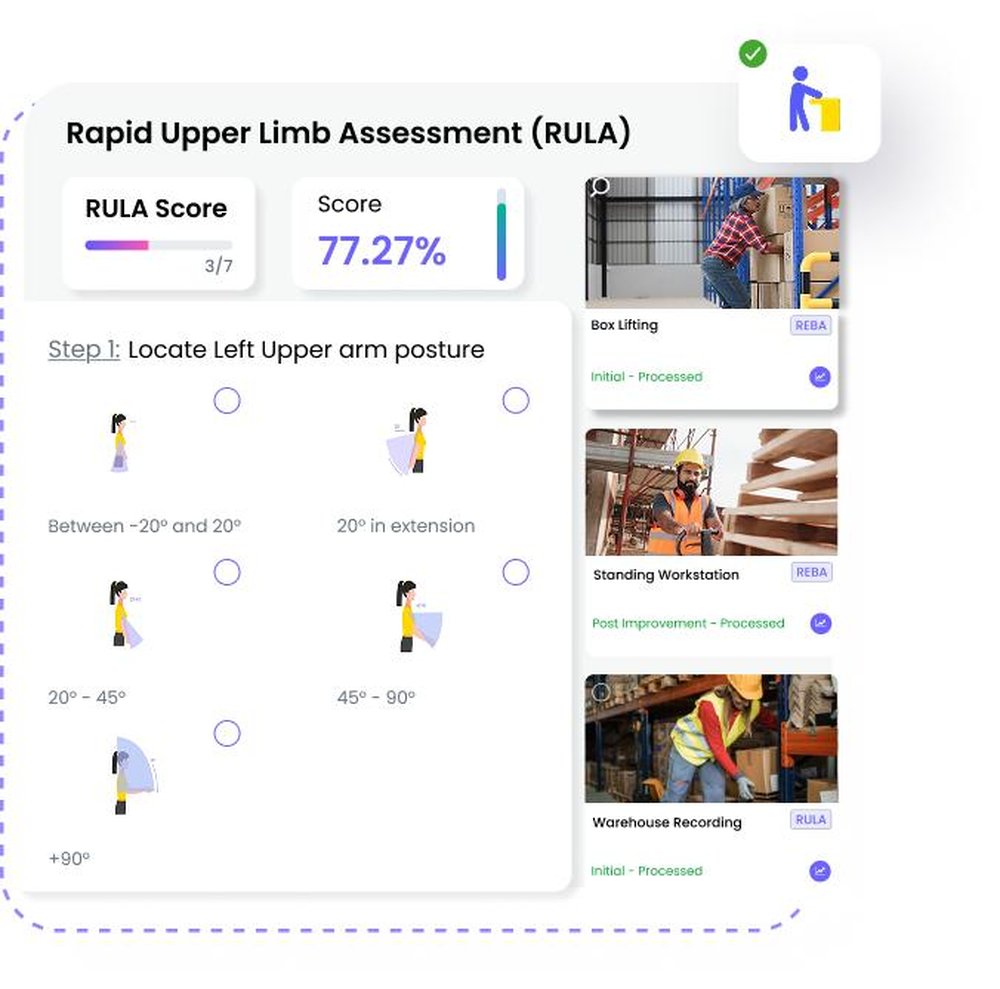
Knowella is an AI-powered operations and safety platform designed to capture workplace hazards, injuries, near-misses, and property damage instantly from any device. It automatically transforms the reports into structured case files with assigned owners, timelines, and root-cause
Pros
- Excellent mobile intake capabilities for field, warehouse, or job-site teams.
- Strong root-cause analysis using tools like 5-Why, and Fishbone.
- Fast and automated case escalation.
Cons
- Focuses heavily on physical safety and industrial EHS rather than general HR employee relations issues.
3. HRWeb Software
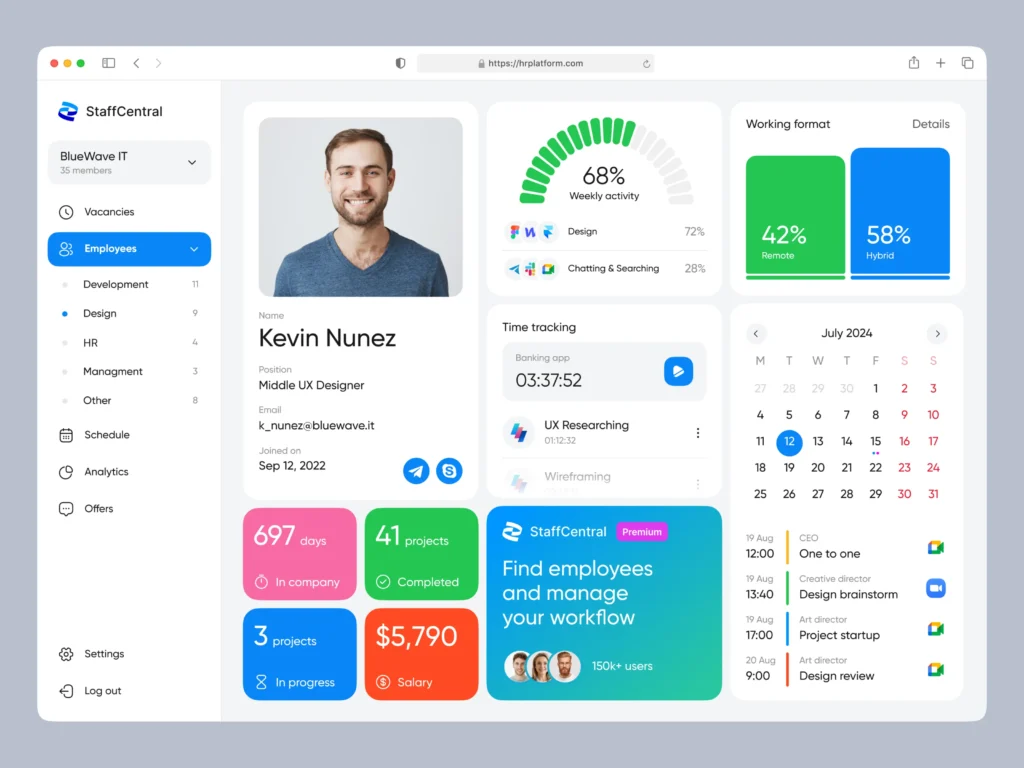
The platform provides a HR incident management system focused primarily on employee performance, conduct violations, attendance issues, and workplace safety events. It provides HR teams with a centralized record of all disciplinary actions and employee grievances across the organization.
Pros
- The platform aligns with standard HR employee relations and performance management workflows.
- State clearly individual employee incident histories.
- It has in-built analytics and trend visualization.
Cons:
- User interface feels administrative compared to modern web platforms.
4. SafetyCulture (Formerly iAuditor)
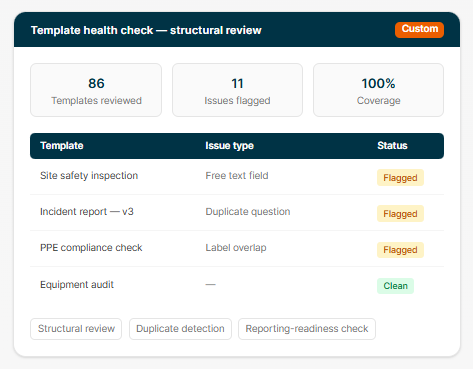
SafetyCulture is one of the most commonly used mobile inspection and safety platforms. The platforms are built for business that operate on plant floors, job sites, or retail locations. it enables employees to log near-misses, physical accidents, and hazard observations via a mobile app in seconds and allow photo attachments and geolocation tags.
Pros
- It is the best tool among frontline workers due to mobile ease of use.
- QR code reporting removes friction for non-software users.
- Free plan available for small teams up to 10 users.
Cons
- It has lacks formal HR employee relations features such as handling harassment complaints and PIP integration.
- Full compliance analytics require upgraded premium, which will be expensive for small businesses.
5. Intelex EHSQ
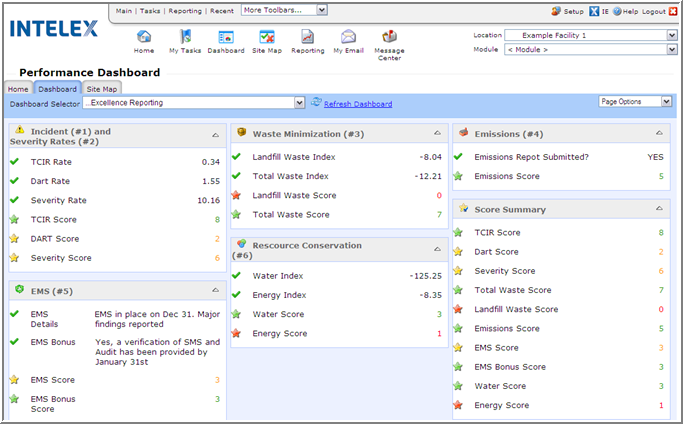
It is an enterprise-grade safety software platform built for global organizations operating across complex industrial, manufacturing, and healthcare environments. It provides deep regulatory compliance coverage, tracking health metrics, industrial hygiene, environmental spills, and workplace injuries for thousands of employees.
Pros
- It is an enterprise level safety platform
- It has a global labor and environmental compliance coverage.
- The platform has integration capabilities with enterprise ERPs (SAP, Oracle).
Cons
- It is expensive to use and implement by small businesses.
- It is not ideal for small and medium size businesses seeking simple HR incident logging.
Frequently Asked Questions
What is workplace incident logging software?
It is a tool that helps organizations record, track, investigate, and resolve workplace incidents such as harassment complaints, safety events, and misconduct reports in one central system.
Is incident logging software only for large companies?
No, is for all business. Smaller organizations can use if they handle sensitive issues and want a clear record. Many of the tools that offers such service also have incredible HR features.
Can employees report incidents anonymously?
Yes, depending on the platform. Many platforms support anonymous reporting, often with secure messaging so investigators can ask follow-up questions without revealing the reporter’s identity. Check how each tool handles this before you select the one to use in your organization.
Does this software help with legal compliance?
Yes. It can help you keep accurate records, meet deadlines, and generate required reports, which supports compliance. It does not replace legal advice, so you still have to consult a qualified professional about legal obligations about your business.
What is the difference between HR incident software and safety incident software?
HR incident software focus on employee relations, investigations, and conduct issues. Safety- incident software tools center on injuries, near misses, hazards, and inspections. Some platforms cover both, so decide which area matters most to your business before selecting.
How much does it cost?
Pricing varies based on the tool or platform you select, company size, features, and vendor. Some charge per employee, others by user or module. Request a detailed quote and ask about implementation, support, and any add-on fees.
How long does implementation take?
Simple tools can be set up within a minute. Some tools can also day days and weeks to set up and implement. Ask your vendor or do deep research before you choose a platform to work with.
Final Thoughts
The best workplace incident logging software is the one can trust and use. Before you adopt for your business workflow start by understanding the kinds of incidents you handle and choose a tool that makes reporting easy and investigations consistent. Finally, make sure you back it up with clear policies and well-trained managers.
When employees see that concerns are taken seriously and handled fairly, they speak up sooner. This help increase your productivity, workers morale, and send good name of your company outside.
This article has done all the work for you as business owner, go through the list of the top five detailed above and pick the best for your business.