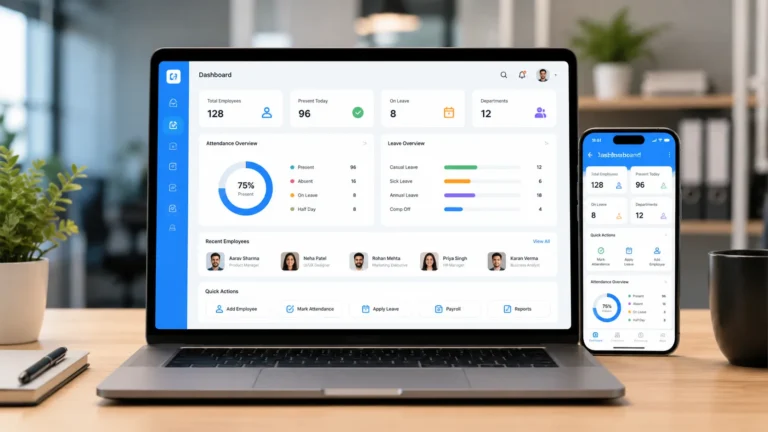
The probation period is not the most talked about phrase in the employment but is the most important chapter in every new employee’s history. Ending a probationary period comes with a clear and documented communication stating whether the candidate is being confirmed as a full-time employment status or the probation period is being extended to allow for further performance evaluation, or initiating a formal separation.
Handling or communicating probation outcomes through informal chats or unrecorded emails can lead to severe operational and legal risks, including ambiguous employment terms, unearned benefits entitlements, and disputed termination process.
To save yourself and your business form headache in handling probation confirmation letter, that why small and medium companies are adopting automated probation confirmation letter generators. This software and platforms track probation dates, review prompts and inputs, and produce probation confirmation letter that is devoid of errors and legal mistakes.
What is an Automated Probation Confirmation Letter Generator?
Automated probation confirmation letter generator is a software or platform that creates or generates a formal letter confirming that ab employee has successfully completed their probation period and is now a permanent staff. What makes these platforms and software different is the “automated” part.
Instead of opening an old template or spreadsheet and retyping the details, the software does the following:
- Records the employee’s start date and probation length
- Calculates the probation end date
- Reminds the manager and HR to completer a review before the date
- Records the final decision such as confirmed, extended, or not confirmed
- Generates the correct letter automatically with names, dates, and any updated terms are automatically filled
- Sends the letter for signature and stores it in the employee’s records.
Automated probation confirmation letter generator is mostly part of a full HR platform, while others are part of document automation tools that connect with your HR workflow. However, the most important thing is that the tool you adopt for your business create the right letter to the right person at the right time.
Why Are Business Adopting Automated Probation Confirmation Letter Generator
Over the past few year’s businesses are moving in to adopt automated probation confirmation letter generator, here are the reason for the recent change
Deadlines do not get missed
Automatic reminders ensure reviews happen before probation ends. No more discovering a missed date after the fact.
Letters are accurate and consistent
When details are pulled directly from employee records, there are fewer typos, wrong dates, and copy and-paste mistakes. Everyone receives the same professional format and tone. It saves productive time in generating a letter as it takes seconds instead of minutes.
Managers stay accountable
The automated workflows allow managers to complete feedback and decisions on time, which keeps the process fair and moving.
You build a clear record
A dated, signed letter shows exactly when and how an employee was confirmed. If questions come arise in the near future you have all the documentation at your disposal.
It improves the employee experience
A warm and well drafted confirmation is a lovely moment for a new employee. It tells them they belong, and it reinforces your culture from the start.
It supports compliance
Contracts and local rules often set specific probation terms such as length, notice, and extension limits. Systems that track these details reduces legal and compliance gaps.
What to Look for When Buying an Automated Probation Confirmation Letter Generator
Before you spend your company resources to buy Automated Probation Confirmation Letter Generator, check for the following features
Customizable letter templates
First check if you can edit wording, add branding, and create versions for different outcomes, including confirmation, extension, and non-confirmation. Also Look for fields that fill in names, dates, job titles, and salary or role changes.
Automatic probation date tracking
The system should calculate end dates from start dates and probation length. It should be able to adjust if the period is extended. Dashboards that show upcoming probation endings are especially helpful.
Review workflows and reminders
A good platform has features that notify managers to complete probation reviews, collects feedback in a structured form, and routes decisions for approval. Automatic reminders prevent delays.
Support for multiple outcomes
Not every probation ends the same way. Make sure the software can handle confirmation, extension, and termination letters.
Location-aware rules
Probation rules differ by country and region, including maximum length, notice requirements, and whether probation is even recognized. Choose a tool that lets you align templates and timelines to local requirements.
E-signature and acknowledgment
You should be able to send the letter for electronic signature and store the signed copy provides a stronger record than an email attachment.
Integrations
A good platform should be able to Connect to your HRIS, payroll, and onboarding tools. This helps reduce double entry. For example, once an employee is confirmed, benefits eligibility or pay changes can be updated automatically.
Approval chains
Some organizations require sign-off from a manager, HR, or a department head before a confirmation goes out. Check if the system you choosing allows that to make sure workflow process is organized and documented.
Security and access controls
Probation records include performance feedback and personal information. Look for a software which has role-based access, encryption, and audit trails.
Reporting
Useful reports show how many employees are in probation, how many have been confirmed, and where delays happen. This helps you improve onboarding and manager training.
Ease of use and support
If the tool is hard to use, managers will avoid it. Ask for a demo and check how good the onboarding and customer support are.
Top Automated Probation Confirmation Letter Generators In 2026
Below are the top five top automated probation confirmation letter generators in 2026 based on our research
1. HRDocket

HRDocket is an AI-powered HR documentation, employee records, and workplace management platform that helps businesses manage employment documentation from hiring to offboarding. Their Probation Confirmation generator features a uses guided inputs where HR managers select the target jurisdiction, input performance review highlights, and generate probation confirmation letter to communicate either of the following confirmation, extension, or termination letters in minutes.
Pros:
- It is designed to eliminate manual document drafting and unrecorded probation decisions.
- Supports confirmation, extension, and separation workflows within a single interface.
- It is easy to setup with any special training
- It cost-effective for growing businesses.
Cons:
- The platform focuses on HR documentation and administrative workflows rather than heavy enterprise performance management suites.
2. BambooHR
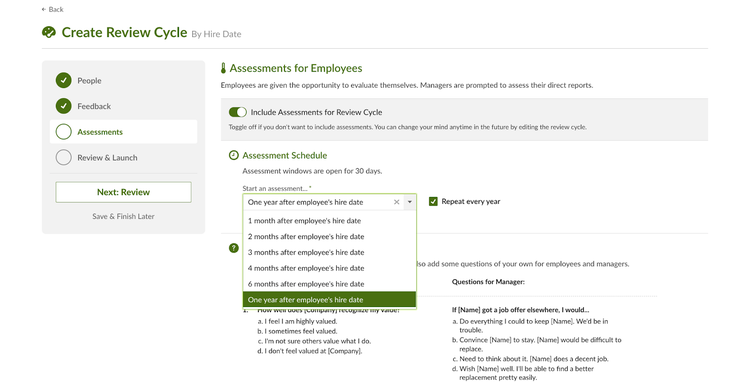
BambooHR provides a complete HR platform that includes probation period tracking, custom document creation, and automated email alerts. When an employee approaches their probation end date, BambooHR alerts managers to complete performance evaluations and issue confirmation letters directly through the portal.
Pros:
- It adds probation tracking with onboarding workflows, time-off tracking, and core employee records.
- It has intuitive user interface for managers and employees.
- Strong automated task management across departments.
Cons:
- It costly for small and medium businesses as advanced compliance intelligence and state comparison tools carry extra fees above the base subscription.
3. Factorial

Factorial combines employee record management, performance appraisals, and document generation into an AI-assisted workspace. HR managers can link probation review scores directly to automated confirmation document issuance.
Pros:
- It has a modern and easy to use interface.
- The platform links document generation directly to performance review completion.
- Strong mobile app support for deskless or remote employees.
Cons:
- Requires setting up performance review workflows to maximize automation value.
4. Trilliant Software

Trilliant Software provides a free web-based Probation Confirmation Letter Generator alongside its broader HRMS platform. HR administrators can quickly fill out company details, employee information, probation end dates, and performance notes to preview and export formal letters in Word or PDF format.
Pros:
- Completely free and accessible with no registration required.
- Flexible export options (Word, PDF, plain text).
- Simple tool for quick and one-off document creation.
Cons:
- The free version does not track historical employee records or automatically send letters for e-signature unless upgraded to the full HRMS.
5. Springhire
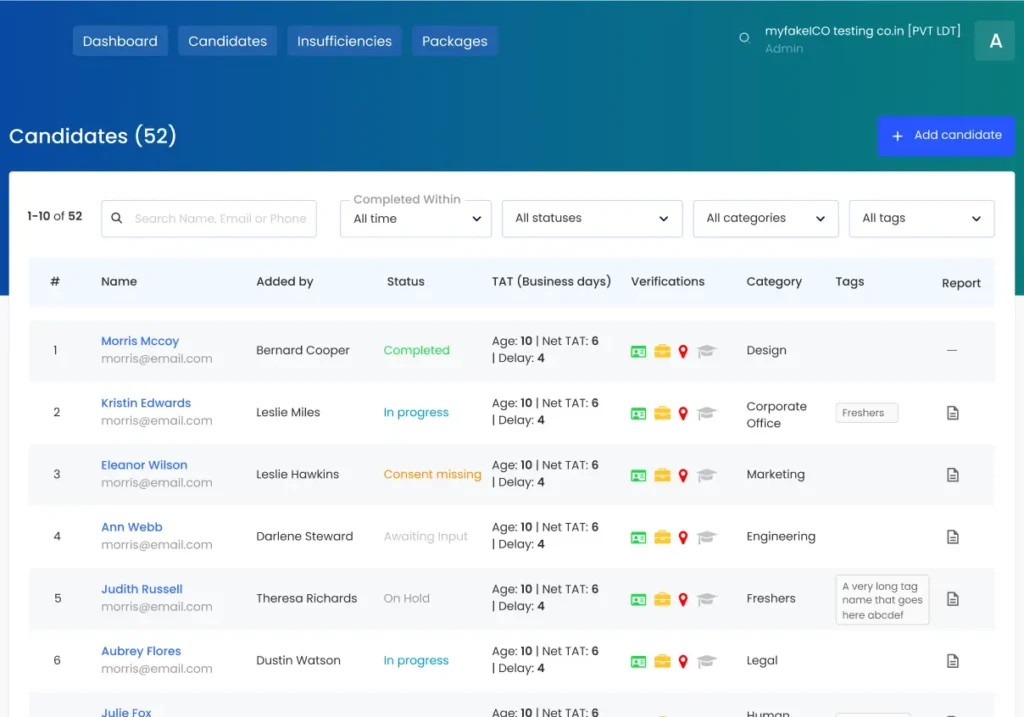
Springhire offers an HR communication tools and template generators designed to automate routine HR workflow. Its Probation Confirmation Email tool lets HR managers select appropriate tone styles such as Formal, Modern, or Friendly to generate structured confirmation notices instantly.
Pros:
- The tool is excellent for quick email-based probation confirmations.
- Flexible tone selection to match different company cultures.
- Free online utility with zero barriers to entry.
Cons:
- Lacks backend HR database tracking and automatic balance updates
- It has no built-in e-signature capabilities.
Frequently Asked Questions
What is a probation confirmation letter?
A probation confirmation letter is a formal letter that confirms that an employee has successfully completed their probation period and is now a permanent staff an organization.
Is a probation confirmation letter legally required?
This depends on your location and your employment contract. Even when it is not strictly required, it is good practice because it provides a clear record and a positive message to the employee.
What happens if probation is extended?
When a probation is extended You should send am extension letter to the employee explaining the reason, the new end date, and any expectations.
Can the same tool handle extension and non-confirmation letters?
Many tools can include HRDocket and more can handle extension and non-confirmation letter. Check that the software supports multiple outcomes and each must come with its own template and workflow.
Is probation confirmation letter software suitable for small businesses?
Yes. Many tools are designed for small businesses. Automated reminder and template save time and prevents missed dates.
How much does probation confirmation letter generator cost?
The cost of the platform or software depends on the particular tool you adopt. Some are included in HR subscriptions while others are billed per employee per month or by plan tier.
Can probation confirmation letter software guarantee compliance?
No. A Good software cuts down on mistakes and helps you keep track of dates and records, but you are still responsible for compliance. Have your processes and templates reviewed by a qualified HR professional or employment lawyer.
Conclusion
The best automated probation confirmation letter generator can transform a routine HR administrative work into a structured and audit-grade process. By choosing a software platform that supports jurisdiction-aware wording, multiple decision outcomes, and integrated digital sign-offs, HR teams save valuable time, maintain compliance, and create a positive experience for their new employees. Start by mapping your probation rules and locations, then test two or three tools from above with a real scenario.