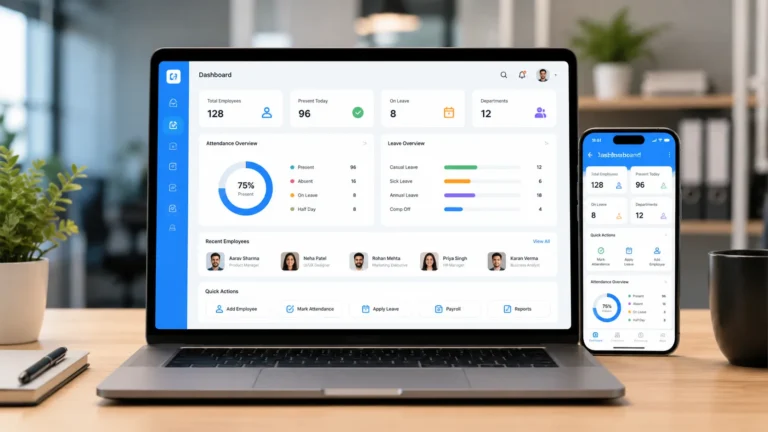
Managing employee leave requests is a normal HR routine yet legally sensitive responsibility for HR professional and business managers. An employee asks for time off. You check the balance, confirm the dates with their manager, open an old Word template, search for the right wording, fix the name you forgot to change last time, and finally send the letter. Multiply that by dozens of requests a month and you the number of time and request you perform over the month.
It is also a risk. A letter with the wrong dates, the wrong leave type, or a missing legal notice can cause confusion, and sometimes real trouble. That is why more teams are turning to leave approval letter software. This tools handle requests, approvals, and the letters that go with them all in less than 30 minutes.
However, the problem has always been getting the right tool for the right job. In this article, we will explain what this software does, the factors to consider when selecting one, which features to look for, and which platforms are the best in t6he market now. We will keep it friendly and practical.
What Is Leave Approval Letter Software?
Leave approval letter software helps HR professionals and managers manage employee time-off requests and automatically generate the documents that confirm the outcome. In most cases, that means approval letters, but good tools also produce denial notices, modification letters, and return-to-work confirmations.
The typical flow looks like this:
- An employee submits a leave request through a portal or app.
- The request routes to a manager or HR for review.
- The system checks the employee’s balance, policy, and any conflicts.
- Once approved, the software generates a letter with the right details filled in.
- The letter is sent to the employee and stored in their record.
Some products are full leave management systems with letter generation built in. Others are document automation tools that integrate into your existing HR system.
Why HR Professionals and Businesses Are Switching to Leave Approval Software
Over past few years most companies and business are adopting leave approval platforms into their HR workflow. Below are the reasons:
Time savings
Generating a letter from a template with data pulled directly from the request takes seconds instead of minutes. This has increased the work output of many HR professional and business.
Fewer errors
When names, dates, and leave types are filled in automatically, you avoid copy-and-paste mistakes. That means fewer corrections and fewer follow-up emails.
Consistency
Everyone receives letters in the same format and tone, which supports fair and consistent treatment across the organization.
A clear record
Every request, approval, and letter is stored with a timestamp. If someone asks later what was approved and when, you can answer quickly and confidently.
Better compliance
Different types of leave, such as medical, parental, or family leave, may come with specific notice requirements depending on where you operate. Tools that include jurisdiction-aware templates and reminders help you avoid missing something important.
A better employee experiences
People appreciate knowing where their request stands. Quick, clear confirmations reduce anxiety, especially for sensitive leave such as medical or bereavement.
Key Features to Consider When buying A Leave Approval Software
Not all tools are equal, here are the factors to consider before buying a leave approval software
Customizable letter templates
You should be able to edit templates, add your company branding, and create different versions for different leave types. Look for fields that automatically insert names, dates, durations, and balances.
Support for multiple leave types
Your needs may include annual leave, sick leave, parental leave, unpaid leave, jury duty, or leave of absence. Make sure the software handles each type with its own rules and templates.
Approval workflows
A good system lets you set up routing, such as manager first, then HR, and supports delegation when someone is away. Automatic reminders keep requests from sitting unanswered.
Policy and balance tracking
The software should track accruals, carry-over rules, and remaining balances so approvals are based on accurate numbers.
Legal and location awareness
If you employ people in several states or countries, check whether the tool supports local leave rules and notice requirements. This is especially important for statutory leave.
E-signature and delivery
Being able to send a letter for signature and store the signed copy saves time and creates a stronger record.
Integrations
Connections to your HRIS, payroll, calendar, and messaging tools reduce double entry. For example, approved leave can automatically appear on a team calendar and flow into payroll.
Security and privacy
Leave information can be sensitive, especially for medical reasons. Look for role-based access, encryption, and audit trails so only the right people see the right details.
Reporting and analytics
Useful reports show leave trends, upcoming absences, and balances. They help you plan staffing and spot patterns, such as burnout signals.
Ease of use
If employees and managers find the tool confusing, they will avoid it. Choose something with a clean, simple interface, and ideally a mobile app.
Pricing and support
Compare pricing models, such as per employee per month, and ask what is included. Also check the quality of onboarding and customer support.
Top Leave Approval Letter Software for HR
There is no single best option for every company. The right choice depends on your size, locations, and existing systems. Here are tools that frequently appear on HR shortlists
1. HRDocket
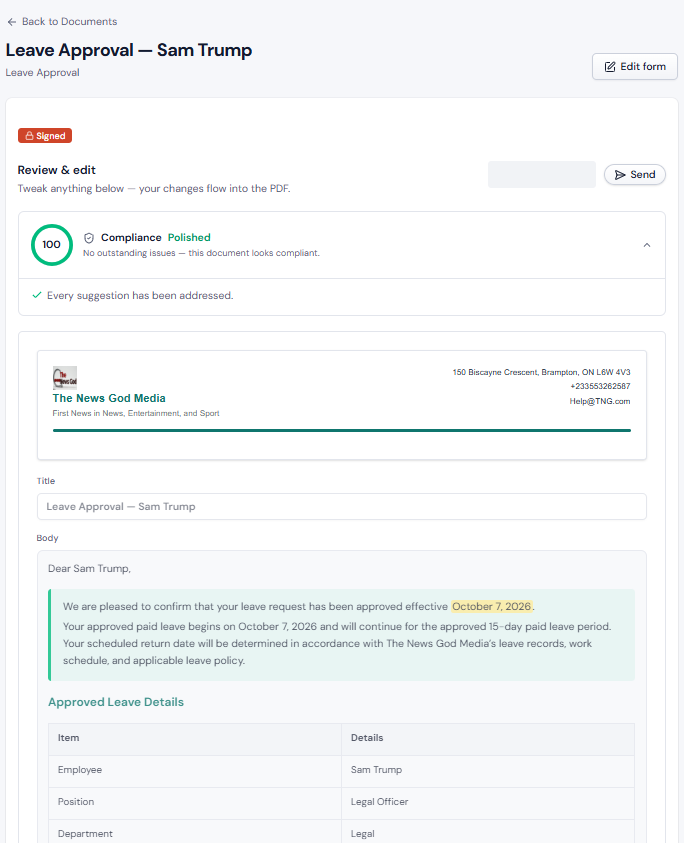
HRDocket is an AI-powered HR document automation and workflow engine that eliminates spreadsheet and scattered papers from leave management. Its Leave Approval tool allows managers to review leave applications against current accrual balances, calculate remaining time off, and instantly generate formal leave approval letters using reusable with AI-assisted drafting. The generated letter is linked employee central records, handbook policies, and offboarding workflows.
Pros
- Prevents balance errors by enforcing live accrual checks prior to approval.
- Combines leave approvals with handbooks, probation letters, and asset tracking.
- Easy to use and set up
- Eliminates email threads and manual counting.
Cons
- Focuses on HR documentation and workflow management
- It has no payroll features
2. RazorpayX Payroll (EasyHR)
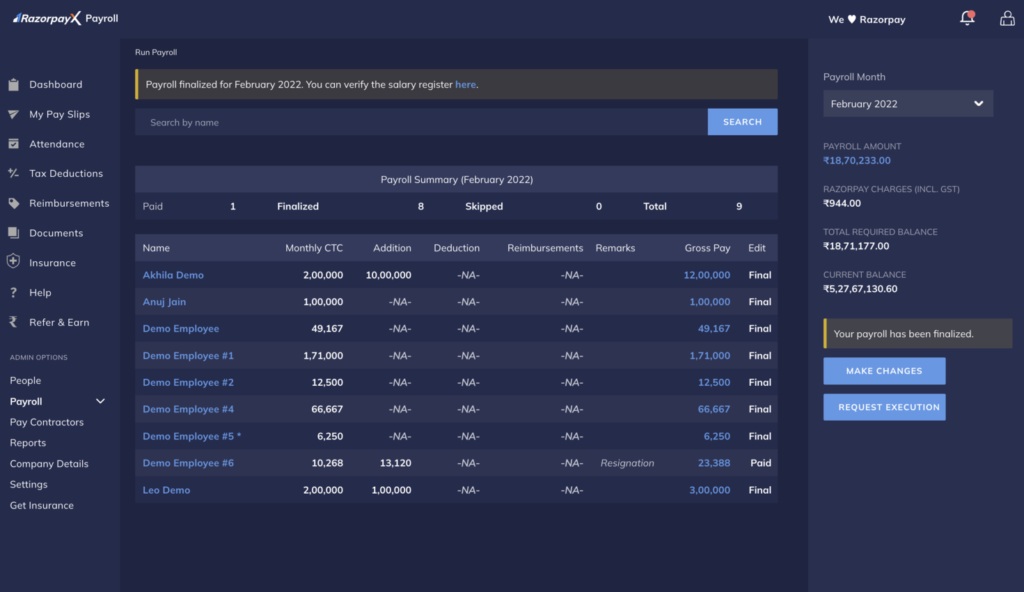
RazorpayX Payroll (and its EasyHR integration) combines attendance, leave tracking, and automated document issuance into a unified payroll platform. When an employee submits a leave application via the self-service portal, managers can approve it with one click, automatically generating confirmation letters and updating salary slip deductions in real time.
Pros
- Seamless connection between leave letters and monthly salary processing.
- Strong employee self-service adoption.
- Automates statutory leave recordkeeping.
Cons
- Primarily designed for teams looking for an all-in-one payroll engine.
3. Spica All Hours
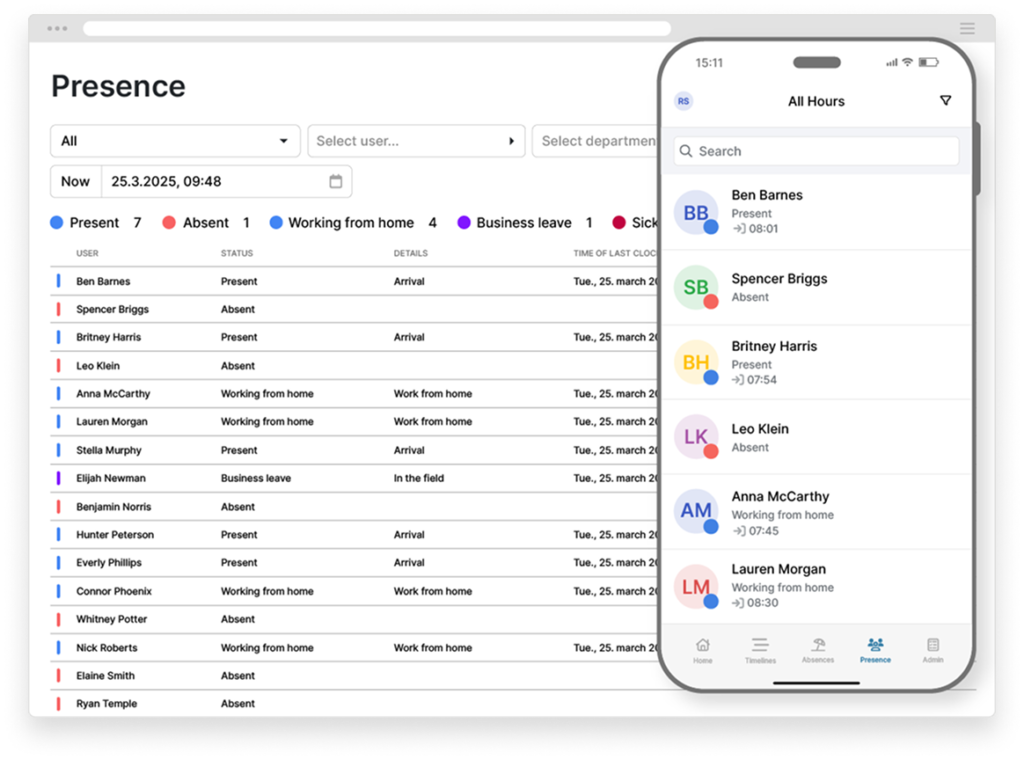
Spica All Hours is a time, attendance, and absence management solution designed for growing, medium, and large companies. The tool features an automated communication engine that automatically generates and routes customized leave confirmation letters to employees, direct managers, and HR administrators upon request approval.
Pros
- Good for organizations needing to distribute physical or digital approval notices to non-desk employees.
- It has an amazing team scheduling and overtime tracking capabilities.
- Strong multi-department notification routing.
Cons
- Focuses on time-and-attendance tracking
- It lacks general HR document creation like offer letters or warning notices.
4. Trilliant Software
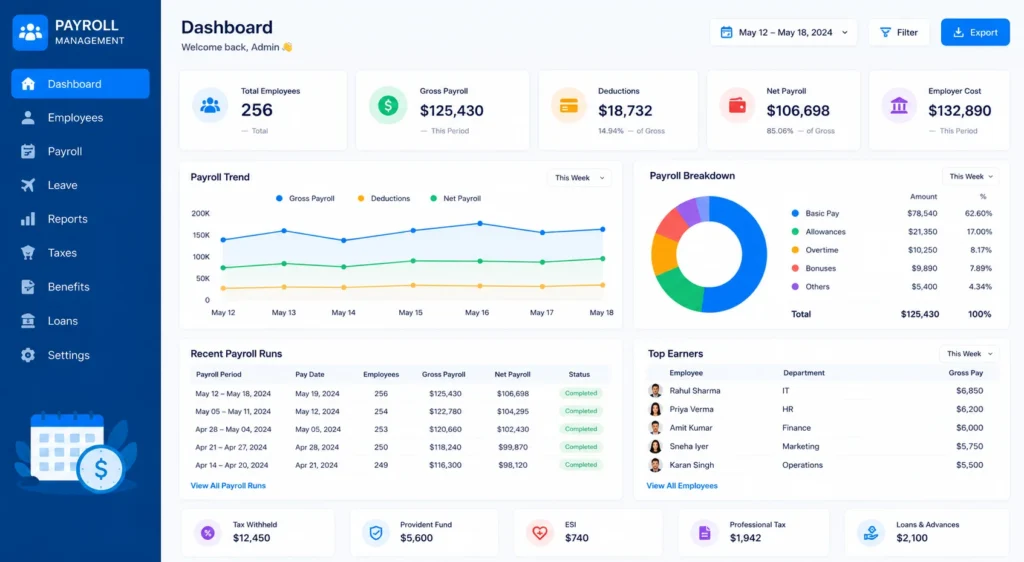
Trilliant Software provides a free web-based Approval Letter Generator alongside its broader HRMS platform. It allows HR administrators to quickly fill out company details, recipient information, leave dates, and conditional terms to preview, edit, and export formal approval letters in Word or PDF format.
Pros
- Completely free and accessible with no registration required.
- Flexible export formats (Word, PDF, text copy).
- Simple interface for one-off manual document generation.
Cons
- Free tool does not automatically track employee leave balances o
- It expensive for small businesses when upgraded to the full HRMS.
5. BambooHR
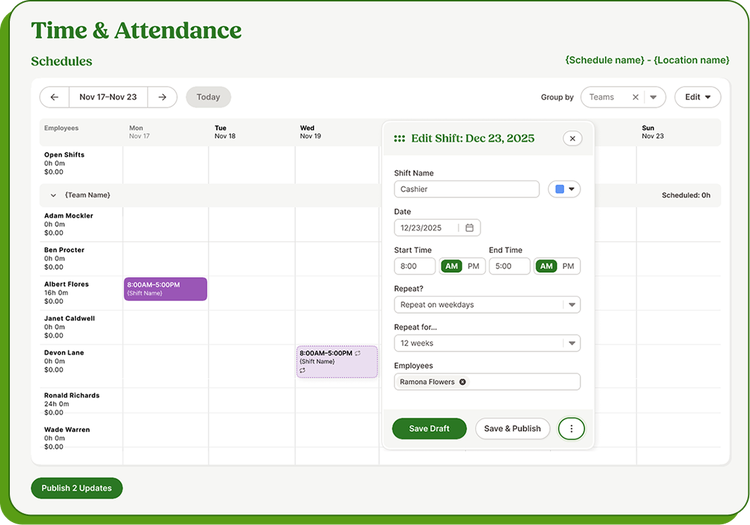
BambooHR is a popular HRIS platform built for small and medium businesses. It combines time-off requests, balance tracking, and policy enforcement directly into a central employee portal. When an employee submits a leave request via the web or mobile app, BambooHR calculates real-time accrual balances and generates automated approval notifications and documented records for managers and HR administrators.
Pros
- Easily connects leave tracking with onboarding, performance, and core HR records.
- Easy self-service portal for remote and deskless employees.
- Robust reporting on company-wide absence trends and accrual liabilities.
Cons
- Advanced compliance intelligence and custom document builders carry additional fees
- Focuses primarily on US/North American
Frequently Asked Questions
What is leave approval letter software?
It is a tool that manages employee leave requests and automatically creates the letters that confirm approval, denial, or changes.
Do I need separate software for letters and leave tracking?
Not necessarily. Many HR platforms handle both. If your current system tracks leave but produces poor letters, a document automation tool that connects to it may be enough.
Can the software handle different types of leave?
Most tools support multiple leave types, such as annual, sick, parental, and unpaid leave. Check that each type can have its own rules, templates, and approval steps.
Is leave approval letter software suitable for small businesses?
Yes. Simple, and affordable tools exist for small teams, and many HR platforms offer plans designed for smaller companies.
Does it help with legal compliance?
It can help you keep accurate records, meet notice requirements, and apply policies consistently. It does not replace legal advice, so consult a qualified professional about your obligations.
How much does it cost?
Pricing is different depending on the tool or platform. Some tools charge per employee per month, while others are included in larger HR suites. Ask for a clear quote and find out what is included.
Can employees request leave from their phones?
Many platforms offer mobile apps or mobile-friendly portals, which makes requesting and approving leave much easier for distributed teams.
Final Thoughts
That be left out of HR evolution form grounded paper works and template int full automation of HR workflow.
The best leave approval letter software is the one that fits how your team actually works. It should make requests easy for employees, approvals simple for managers, and letters accurate and consistent for HR.
Start by listing your leave types and locations, try two or three tools with real examples, and keep your letters warm and clear. Do that, and a task that once ate up your afternoons becomes something that simply works in the background.