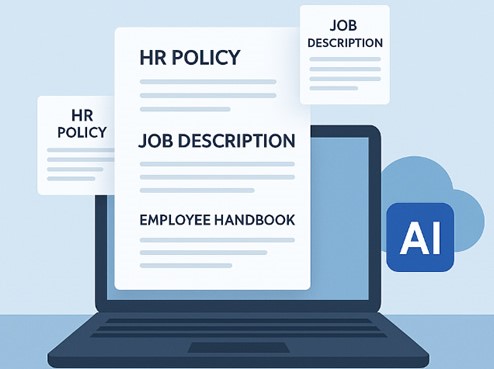
If your HR team is already using PandaDoc, you’re not doing anything wrong. It’s a fast, reliable document platform, and being able to track who opened and signed a document is genuinely useful. For sales contracts, proposals, and general business paperwork, it’s hard to beat. The goal here isn’t to replace a tool that works, but to identify where it starts to fall short for HR.
PandaDoc can create, send, and sign just about any document you need, but it isn’t built specifically for employee records and HR compliance. It won’t automatically recognize that an offer letter may require different wording depending on the state, flag a certification that’s about to expire, or check whether a warning letter is missing a required clause. That’s not a flaw in PandaDoc but was designed for broader document management, not to function as an HR department.
As the volume of employment contracts, employee handbooks, policy acknowledgments, and compliance documents grows, those limitations become more noticeable.
This section is for HR managers and small business owners trying to decide whether their documentation needs have outgrown a general-purpose document tool. Below are 10 strong PandaDoc alternatives for HR teams, including what each platform does best, how it differs from PandaDoc, and when it makes sense to switch or use another tool alongside it.
Why HR-specific Automation Matters
General e-signature and document tools are built to flex across every department which include sales, legal, HR, procurement. That flexibility is the whole selling point, and it’s also exactly why HR-specific gaps show up in a general tool:
- No jurisdiction awareness
- No compliance tracking
- No employee record tied to the document
- Templates are not HR-aware
None of that makes a general tool worse at its actual job but just means HR documentation is specialized enough that most HR teams eventually want something built around it.
Pros and Cons of Moving HR Documents to a Dedicated Tool
Pros
- Jurisdiction-aware drafting catches compliance gaps a general tool won’t
- Documents file automatically against a structured employee profile
- Expiration and compliance tracking runs in the background without manual review
- Usually cheaper for HR-only use than paying per-seat for a company-wide platform
Cons
- One more login and subscription if you’re not ready to fully move HR off a general tool
- HR-specific tools generally have thinner cross-department features than a platform built for the whole business
- Migrating existing signed documents and templates takes some upfront setup time.
Top 10 Best PandaDoc Alternatives
BamBoo HR
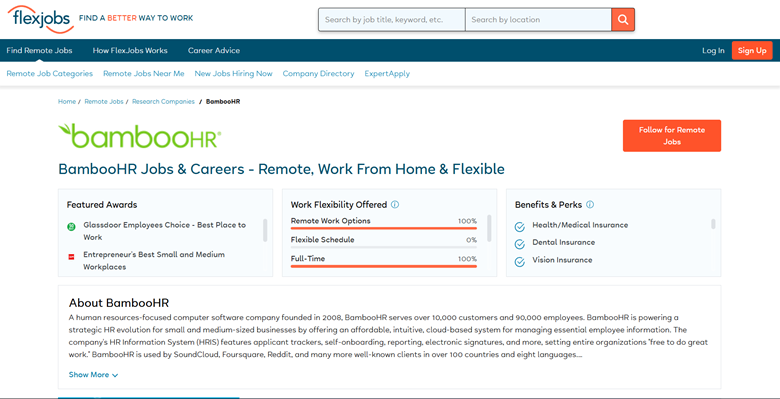
The most popular HRIS on the list, flexible employee attributes, people use the self-service portal, and comprehensive reporting. Document storage and templates are reliable and not AI-generated, and compliance checking is limited to the audit trail. It’s a records-and-recruiting platform first, with documentation as one piece of that.
Pros: mature product, strong self-service, deep reporting.
Cons: per-employee pricing climbs fast; no dedicated compliance layer for documents.
Pricing: $6.19/employee/month, billed annually. No free plan.
Deel HR
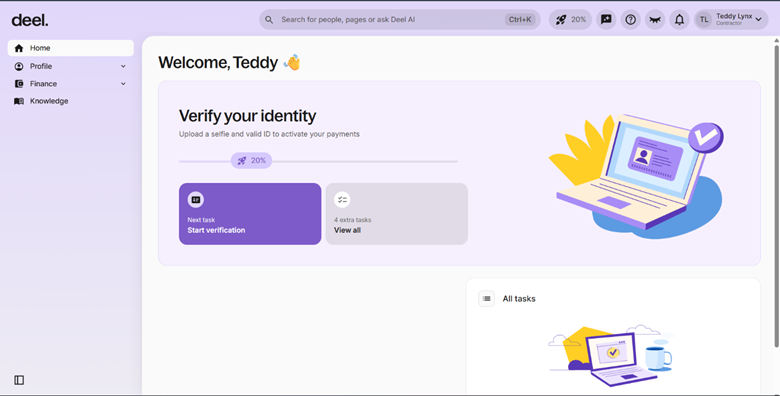
The standout here is the price, which is a true free core HR offering with document management, org charts, and time-off tracking. If you are also hiring overseas, this may be an ideal match because Deel’s paid modules will also cover the global payroll and compliance of your contractors. It may be less significant to the domestic-only teams than to the paid tiers.
Pros: free HRIS tier, strong international compliance support.
Cons: paid modules are priced around global hiring, so they get expensive fast for domestic-only use.
Pricing: free core HR tier; Global Payroll from $29/employee/month
DocuSign
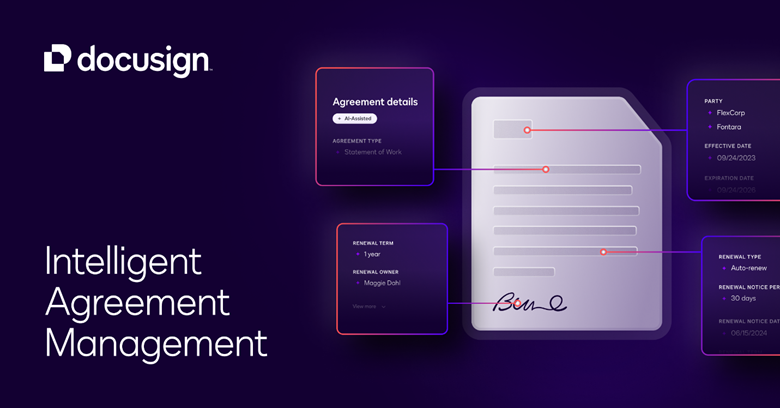
The industry benchmark for e-signatures, and perhaps the standard that is still the benchmark that everyone is compared to. It does more than nearly any other app on this list for signing and monitoring documents; it doesn’t do a single thing HR-specific. The speed and reliability of signing whatever department uploads a file, without the need for drafting that is jurisdiction-aware or compliance flags for employment law.
Best for teams that need serious signature volume across the whole business, not just HR.
Pros: extremely well-known and trusted, broad third-party integrations.
Cons: no HR-specific drafting or compliance checks; per-user cost rises quickly at scale.
Pricing: $25/user/month (Business Essentials) up to $40/user/month (Business Pro)
Eddy
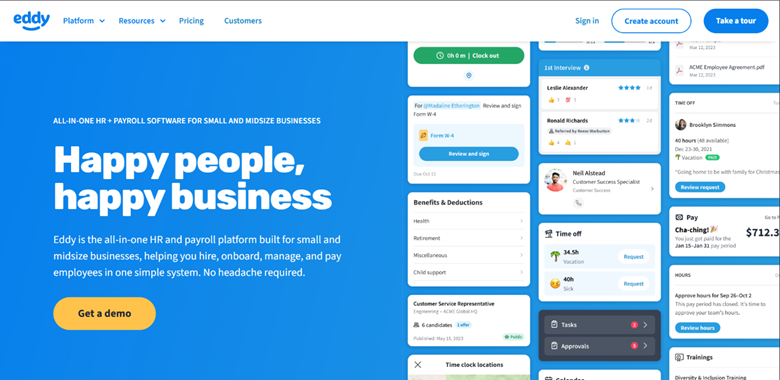
An integrated HR and payroll solution designed specifically for small businesses that includes document storage, e-signatures, and access by role from the outset. It’s at its best during onboarding: new employees can fill out paperwork online before they even show up on their first day.
Pros: Affordable base pricing, audit-ready document storage.
Cons: less customizable than teams with specific workflow needs might want.
Pricing: $50/mo base + $4/employee (Starter) up to $75/mo base + $8/employee (Growth).
Also Read Comparing HR Docket vs HR Acuity For HR Operations and Documentation
GoCo
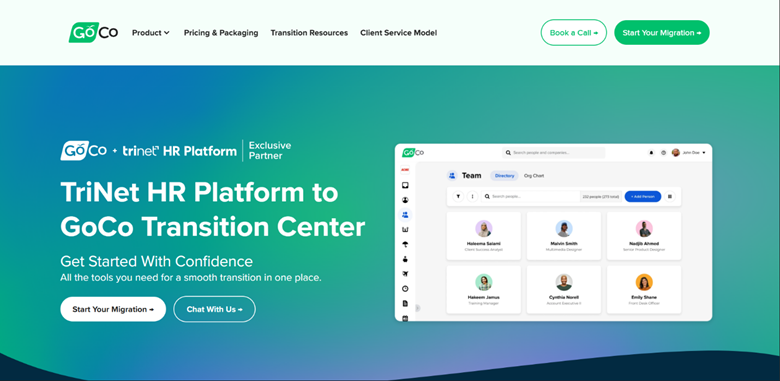
The “Magic Docs” feature is a useful middle ground between simple e-signature software and complete document automation, as it converts non-interactive HR documents into automated workflows. Bundled with benefits administration and not sold separately, the “Magic Docs” feature is a genuinely useful feature.
Pros: AI-assisted document workflows.
Cons: documentation reads as a feature of the benefits platform rather than the main focus, and compliance depth is basic.
Pricing: $5/employee/month plus a platform fee
Gusto
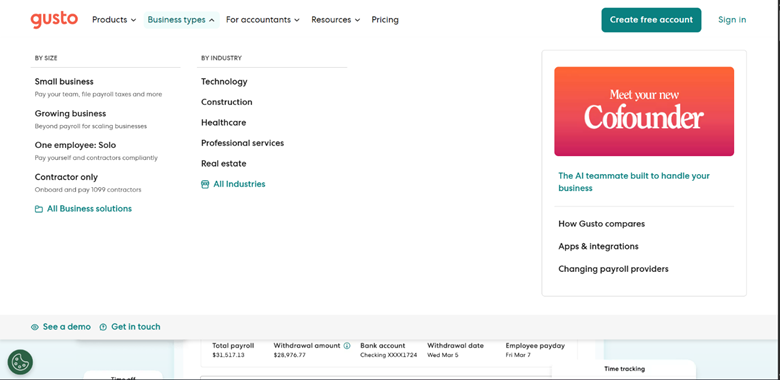
The documentation here is more for payroll and induction, for example, offer letters and simple policy acknowledgements, and not a separate HR document management system. If the primary administrative burden is already payroll, this is something that you can do.
Pros: transparent pricing, documentation tied directly to payroll data.
Cons: limited depth for HR-specific drafting or jurisdiction compliance.
Pricing: $49/mo + $6/employee (Simple) up to $180/mo + $22/employee (Premium)
HR Partner
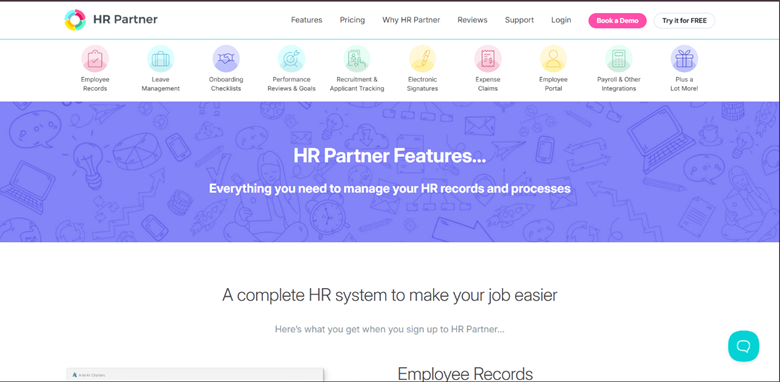
A simple and straightforward HRIS that directly targets the 20–500 employee level- records, leave, hiring, and no frills. No AI assistance with drafting, and no natively embedded compliance automation, which makes the product simple but also narrows its scope of what it can capture on its own.
Pros: purpose-built HRIS, clean self-service portal.
Cons: no free plan; per-user pricing stings for a small team.
Pricing: no published pricing
HRDocket
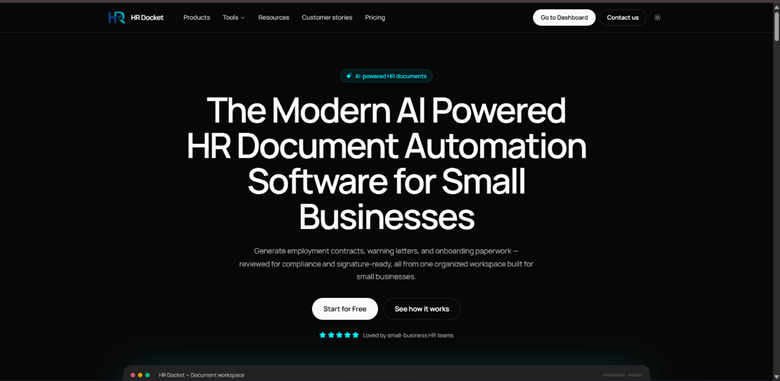
Ties HR documents directly to the employee record that creates them, meaning that when you’re creating a contract or a letter, it automatically files against the employee record, with AI compliance checking flagging any gaps in jurisdiction or missing fields before it’s done. It does not provide payroll or benefits, and its entry levels are limited to 15 and 50 workers.
Pros: flat pricing, native compliance checks, a usable free tier.
Cons: no payroll or benefits administration; Business tier required past 50 employees.
Pricing: Free (1 employee) up to Starter $19/mo, Growth $49/mo, Business $99/mo (unlimited employees). Annual billing includes two months free; AI credit top-ups run $9–$49.
Rippling
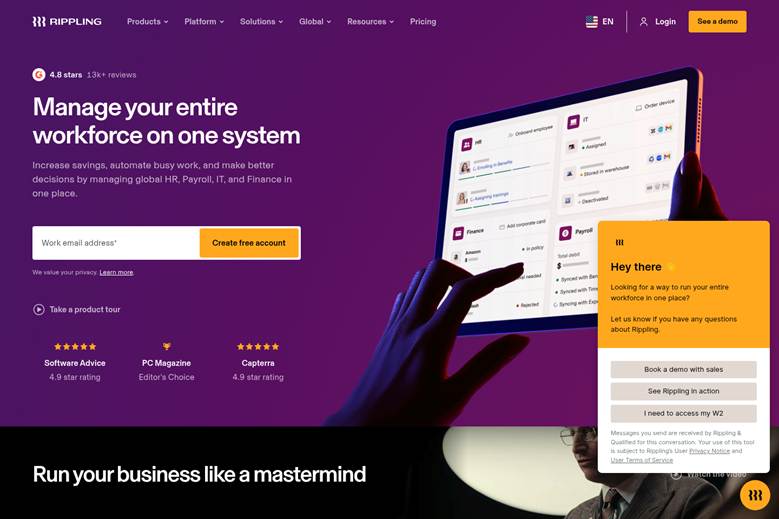
Folds HR documentation into a much larger unified platform spanning HR, IT, and finance. That is some serious automation; documents are tied to a master employee database accessible by all departments but the cost is modular and can only be really figured out by requesting a quote.
Pros: strong automation and integrations, unified employee data across departments.
Cons: pricing complexity makes true cost hard to predict for a small team.
Pricing: $8/employee/month base plus additional modules priced separately
Zoho People
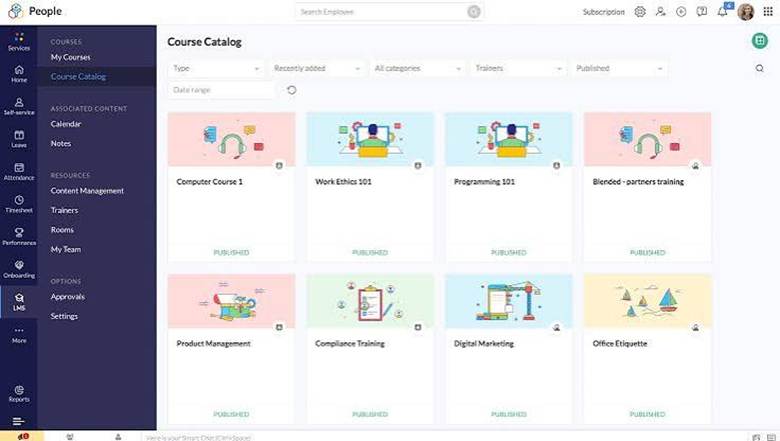
By far the lowest priced product on this list and a natural choice if you are already utilizing other Zoho products. Document management is strictly a utility here, rather than a standout feature, storing and accessing documents with little more than basic controls.
Pros: very low per-user cost, integrates with the broader Zoho suite.
Cons: dated UI in places, and some useful features sit behind higher-priced tiers.:
Pricing: $1.25/user/month billed annually, 5-user minimum, five tiers up to Enterprise.
Comparison Table
| Platform | Best for | Starting price | HR-specific drafting | Compliance tracking | E-signatures |
| BambooHR | Growing SMEs wanting a full HRIS | ~$6.19/employee/mo | Template-based | Basic audit trail | Included |
| Deel HR | Domestic or international teams wanting a free core tier | Free HR tier; paid modules from $29/employee | Contract templates for global hiring | Strong for international compliance | Included |
| DocuSign | Teams needing enterprise-grade signature volume across departments | $25/user/mo | Not HR-specific | Not HR-specific | Native, industry standard |
| Eddy | Small businesses wanting HR + payroll + document storage in one | $50/mo base + $4/employee | Template-based | Audit-ready storage, role-based access | Included |
| GoCo | Businesses wanting documentation bundled with benefits admin | ~$5/employee/mo + platform fee | AI-assisted (“Magic Docs”) | Basic | Included |
| Gusto | Teams wanting documentation tied to payroll | $49/mo + $6/employee | Basic onboarding templates | Basic | Included for onboarding |
| HR Partner | SMEs (20–500 employees) wanting a dedicated HRIS | ~$55/user/mo (third-party estimate) | Template-based | Basic | Included |
| HRDocket | Small businesses & nonprofits wanting HR documents + records in one place | Free; paid from $19/mo | Native AI drafting | AI jurisdiction & risk checks (Growth+) | Native, included from Starter |
| Rippling | Fast-growing, tech-heavy companies | ~$8/employee/mo + modules | Workflow-based | Strong global compliance tooling | Native |
| Zoho People | Budget-conscious teams already using Zoho | ~$1.25/user/mo (5-user minimum) | Basic | Basic | Included on higher tiers |
Which one Best Fits Your Situations?
There is no universal winner here; instead, it depends on whether documentation, payroll, full HRIS depth, or company-wide signature volume is the actual priority. So, each one depends on your situation.
- BambooHR or HR Partner if you want documentation folded into a full HRIS.
- If you are hiring internationally or want a free HR core then go for Deel HR.
- DocuSign remains the strongest is you are looking for a serious e-signature volume across departments, not just HR.
- Already paying for a unified HR/IT/finance platform then go for Rippling.
- If payroll is the real priority, then go for Gusto or Eddy.
- HRDocket is the best solution if you want documents tied to a structured employee record with compliance checks built in, at flat pricing.
- Budget is the main constraint and you’re in the Zoho ecosystem then sign up for Zoho People.
Frequently asked questions
Is PandaDoc bad for HR teams?
No, it’s a strong general document and e-signature platform. However it is not built with HR-specific jurisdiction rules, compliance tracking, or employee records in mind, which is what pushes some HR teams toward a dedicated tool.
Do I have to fully replace PandaDoc to use one of these?
Not necessarily. Many businesses keep PandaDoc or DocuSign for company-wide document needs and add an HR-specific tool just for employee documentation.
Which of these has a free plan?
HRDocket and Deel HR both offer a genuinely usable free tier. Howevr, Zoho People has a free plan too, but it is capped at 5 users.
Is there a flat-rate option that doesn’t charge per employee?
HRDocket is flat-tiered rather than per-employee, which tends to cost less than per-employee pricing for a team under about 20 people.
What should I actually prioritize when comparing these tools?
Whether documents draft with jurisdiction awareness, whether compliance gaps get flagged automatically, whether records tie to a structured employee profile, and whether pricing fits your real headcount.
Can I use one of these alongside PandaDoc instead of replacing it?
Yes, that is a common setup because sales and other departments keep PandaDoc.
Which is cheapest for a very small team?
Zoho People have the lowest per-user cost on paper, though flat-tier platforms like HRDocket are often cheaper in practice for a team under 15 people.
Does switching to an HR-specific tool mean losing e-signature functionality?
No, most of the platforms on this list, including BambooHR, Rippling, Deel, Eddy, GoCo, HR Partner, and HRDocket, include native e-signature.
Conclusion
PandaDoc is a good general document platform, and it’s still good for sales contracts and cross department paperwork. HR teams do not turn to other choices because PandaDoc isn’t doing its job well, rather because HR documentation has its own rules: jurisdiction compliance, expiration tracking and records as one of the most general tools was never designed for handling HR documents.
For those who are limited to creating a couple HR documents per month, PandaDoc is suitable as it stands. If you’re dealing with contracts and compliance with an expanding team, HRDocket is made for you. It automatically validates jurisdiction rules, identifies missing fields and uploads all documents directly into the employee’s file at flat rates, which do not increase with the number of employees
Start a free HRDocket account and see the difference for yourself. No credit card required.